Planning Poker
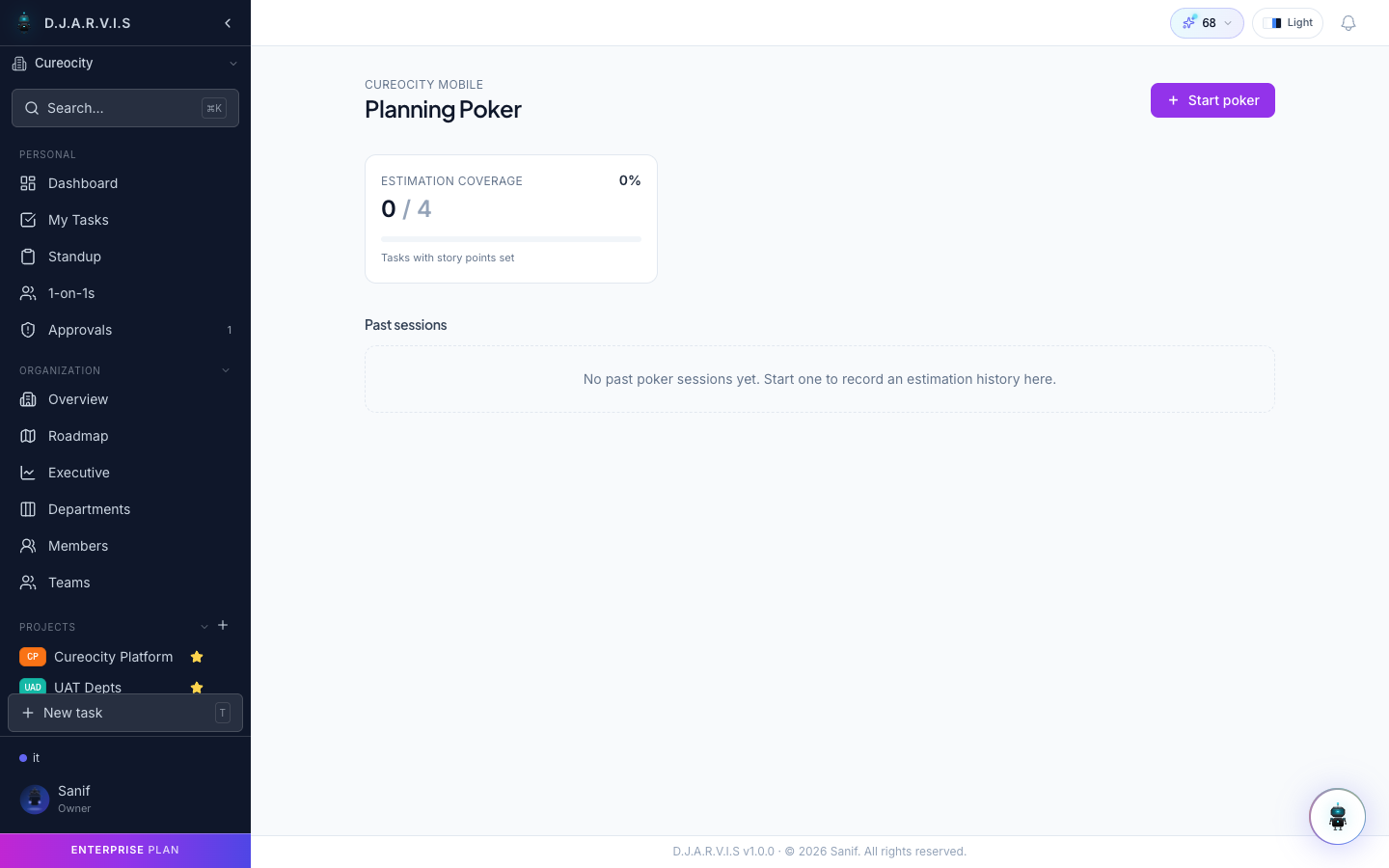
Planning poker is a collaborative estimation technique where the whole team votes on the effort required for a task. Takonaut provides a built-in planning poker tool so you can run estimation sessions without leaving the app — no sticky notes or third-party tools required.
How it works
Planning poker follows a simple cycle for each task:
- The facilitator presents a task to the team.
- Each team member privately selects a story point estimate.
- All votes are revealed simultaneously.
- The team discusses any large disagreements.
- The team re-votes if needed, then finalizes the estimate.
This process reduces anchoring bias (where one person’s estimate influences everyone else) by keeping votes hidden until the reveal.
Creating a poker session
To start a planning poker session:
- Navigate to your project’s backlog or sprint.
- Click Planning Poker to open the estimation view.
- Select the tasks you want to estimate. You can pick individual tasks or estimate an entire backlog.
- Invite your team to join the session.
The session is live — all participants see the same task and can vote in real time.
Voting
When a task is presented, each participant selects a story point value from the Fibonacci scale:
| Value | Typical meaning |
|---|---|
| 1 | Trivial — a few minutes of work. |
| 2 | Small — straightforward, minimal unknowns. |
| 3 | Medium-small — a bit of complexity. |
| 5 | Medium — meaningful work with some unknowns. |
| 8 | Large — significant effort, multiple subtasks likely. |
| 13 | Very large — consider breaking this down. |
| 21 | Enormous — almost certainly needs decomposition. |
Participants can also play a ? card if they don’t have enough information to estimate, signaling that the task needs more refinement before it can be sized.
Votes are hidden until the facilitator reveals them, so each person estimates independently.
Reveal
Once all participants have voted (or the facilitator decides enough votes are in), clicking Reveal flips all cards face-up simultaneously. The board shows:
- Each participant’s vote.
- The average and median estimates.
- Any outliers highlighted for discussion.
If all votes are close together, the team can quickly agree on a number and move on. If there is a wide spread, it is time to discuss.
Discussion
When estimates diverge, the facilitator leads a short discussion. Typically, the highest and lowest voters explain their reasoning:
- The high voter might see hidden complexity that others missed.
- The low voter might know a shortcut or have done similar work before.
This exchange surfaces assumptions and risks that the team might otherwise overlook. After the discussion, the facilitator can trigger a re-vote to see if the team converges.
There is no limit to the number of re-votes, but most tasks converge within one or two rounds.
Finalizing estimates
Once the team agrees on a story point value, the facilitator clicks Accept to apply the estimate to the task. The story points are saved directly on the task and will be used for sprint capacity planning and velocity tracking.
The facilitator can also override the estimate manually if the team agrees on a value that wasn’t the exact average — for example, rounding 4.5 up to 5.
Once an estimate is finalized, the session moves to the next task automatically.
Session history
All planning poker sessions are saved. You can review past sessions to see:
- Which tasks were estimated and what values were assigned.
- How votes were distributed for each task.
- Whether the team’s estimates were accurate compared to actual effort (useful for calibrating future sessions).
Access session history from the project’s planning poker section.