Retrospectives
Retrospectives give your team a structured space to reflect on a sprint — what went well, what didn’t, and what to improve next time. Takonaut provides a digital retro board with ice breakers, anonymous feedback, and built-in action item tracking so insights turn into real changes.
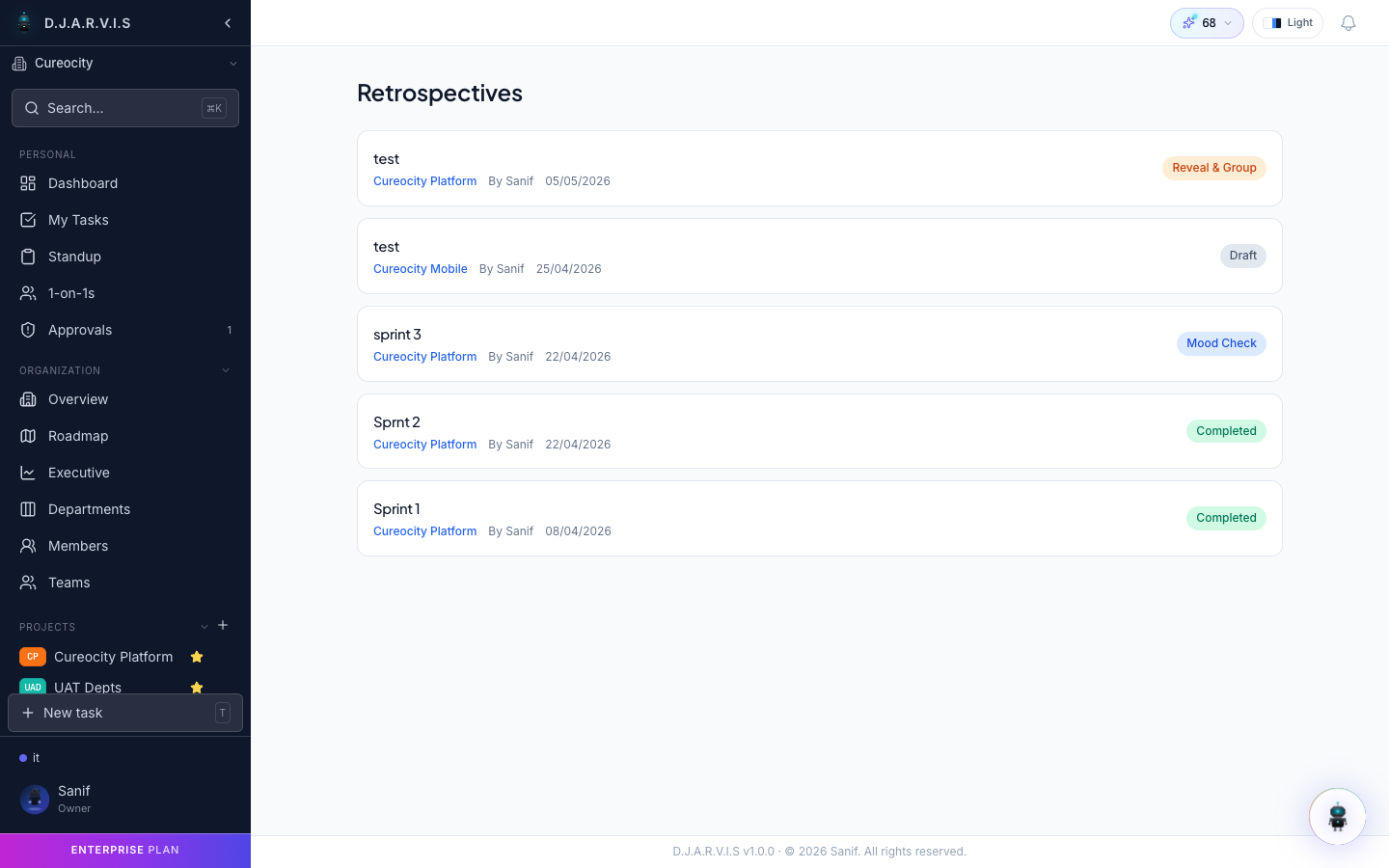
Creating a retrospective
To create a retrospective:
- Navigate to the sprint you want to reflect on.
- Click Create Retrospective.
- Give it a title (defaults to the sprint name) and confirm.
The retro is now open and ready for your team to contribute. Share the link with your team or let them find it through the sprint page.
Only one retrospective can be active per sprint. Once created, the retro stays open until a facilitator closes it.
Retro board
The retro board is divided into feedback sections where team members post their thoughts. The default columns are:
| Column | Purpose |
|---|---|
| What went well | Celebrate wins — things the team should keep doing. |
| What didn’t go well | Surface pain points — things that slowed the team down or caused frustration. |
| Improvements | Suggest concrete changes for the next sprint. |
Each team member adds cards to any column. Cards can be upvoted by other team members to signal agreement, helping the facilitator prioritize which topics to discuss.
Ice breaker cards
Starting a retro cold can feel awkward. Takonaut offers ice breaker cards — fun, low-stakes prompts that get the conversation going before diving into the serious feedback.
The facilitator can draw a random ice breaker at the start of the session. Examples range from lighthearted questions to creative prompts that warm up the team. Ice breakers are optional and can be skipped if the team prefers to jump straight in.
Anonymous feedback
Sometimes honest feedback requires anonymity. When creating or configuring a retrospective, the facilitator can enable anonymous mode. When turned on:
- Card authors are hidden from all participants, including the facilitator.
- Team members can share candid feedback without worrying about attribution.
- Voting still works normally — only authorship is hidden.
Anonymous mode is set per retrospective. The facilitator decides whether to enable it based on the team’s comfort level and the topics being discussed.
Action items
Feedback is only useful if it leads to change. During or after the retro discussion, the facilitator can create action items from any card on the board.
Each action item captures:
| Field | Description |
|---|---|
| Title | A short description of the follow-up task. |
| Assignee | The person responsible for carrying it out. |
| Due date | When it should be completed by. |
Action items created from retros are tracked alongside other action items in the app. They appear in the assignee’s action items list and can be reviewed in future retros to check whether the team followed through.
Retro history
All past retrospectives are saved and accessible from the sprint page or the ceremonies section. Reviewing retro history helps you:
- Track improvement trends — see if issues raised in earlier retros were resolved.
- Prepare for the next retro — review open action items from the last session.
- Onboard new team members — give newcomers context on how the team has evolved.
Each historical retro preserves the full board, all cards, votes, and action items exactly as they were when the retro was closed.