Settings Overview
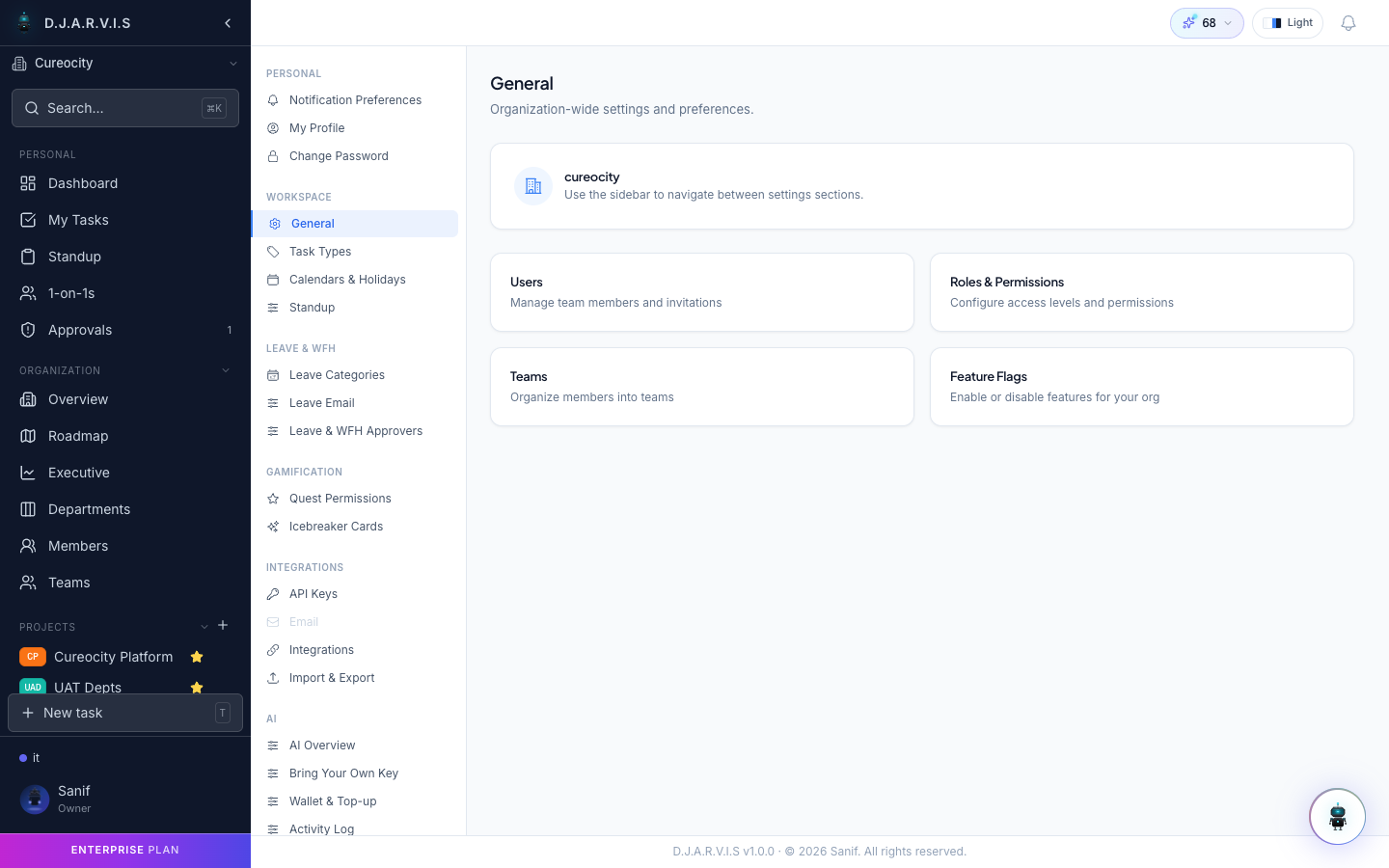
The Settings area is where you configure everything about your account, your organization, and how Takonaut behaves. Access it from the Settings section in the sidebar.
Personal settings
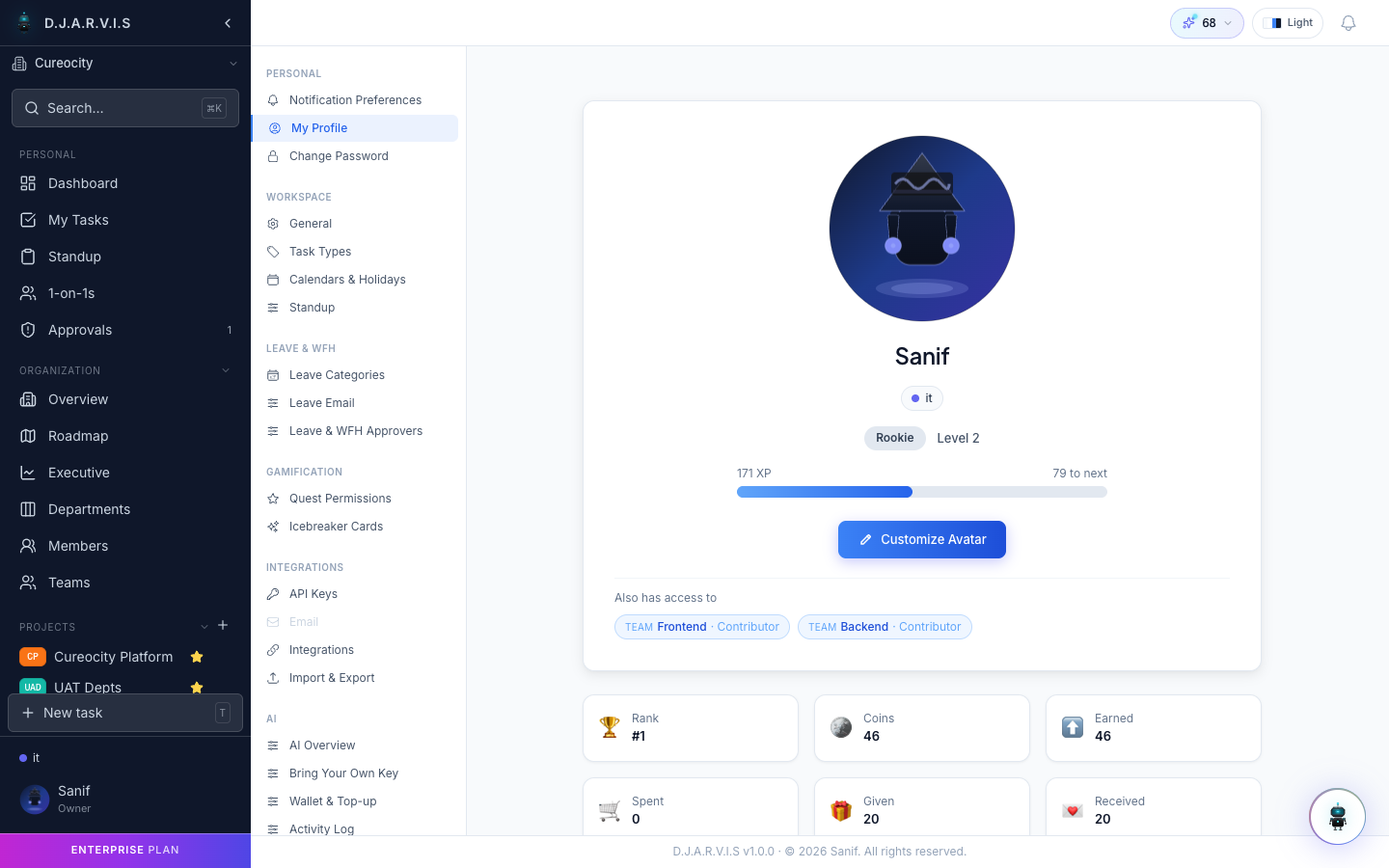
Profile
Manage your personal information — display name, avatar, email, timezone, and job title. This is also where you link your GitHub account for commit and PR integration.
Password
Change your account password. You will need to enter your current password before setting a new one.
Organization settings
These settings affect your entire organization and are only available to users with the appropriate permissions (typically Owner or Admin roles).
General
Basic organization configuration — name, logo, default timezone, and working hours.
Billing & Plan
View your current plan, manage subscriptions, and upgrade or downgrade. Your plan determines which features are available and how many seats are included.
Task types
Configure the task types available across your projects. Default types include Task, Bug, Story, and Sub-task, but you can add custom types to match your workflow (e.g. Spike, Tech Debt, Design).
Leave categories
Define the types of leave your organization supports — casual leave, sick leave, earned leave, or any custom category. Each category can have its own allocation rules and approval requirements.
Approvers
Set up approval chains for leave and WFH requests. You can configure:
- Who approves requests for each department or team.
- Whether approval is single-step or multi-step.
- Fallback approvers when the primary approver is unavailable.
Standup settings
Configure how standups work in your organization:
- Standup template — define the questions team members answer each day.
- Timing — set the submission window (e.g. 9:00 AM to 11:00 AM).
- Reminders — enable automated nudges for members who haven’t submitted.
Icebreaker cards
Manage the prompts used during retrospective ice-breaker rounds. You can add, edit, or remove prompts. These are shown to participants at the start of a retro to warm up the discussion.
Feature flags
Toggle features on or off for your organization. Some features are rolled out progressively — feature flags let admins control which capabilities are active. Platform-level flags are managed centrally; organization-configurable flags can be toggled per org based on your plan tier.
What’s next
Each settings category has its own documentation page with detailed instructions:
- Roles & Permissions — manage who can do what.
- Integrations — connect GitHub, Slack, and webhooks.
- Workflows — automate repetitive actions.
- Notifications — control how and when you get notified.
- Calendars & Holidays — define working days and holidays.
- API Keys — generate keys for programmatic and MCP access.
- Import & Export — bring in data from other tools.